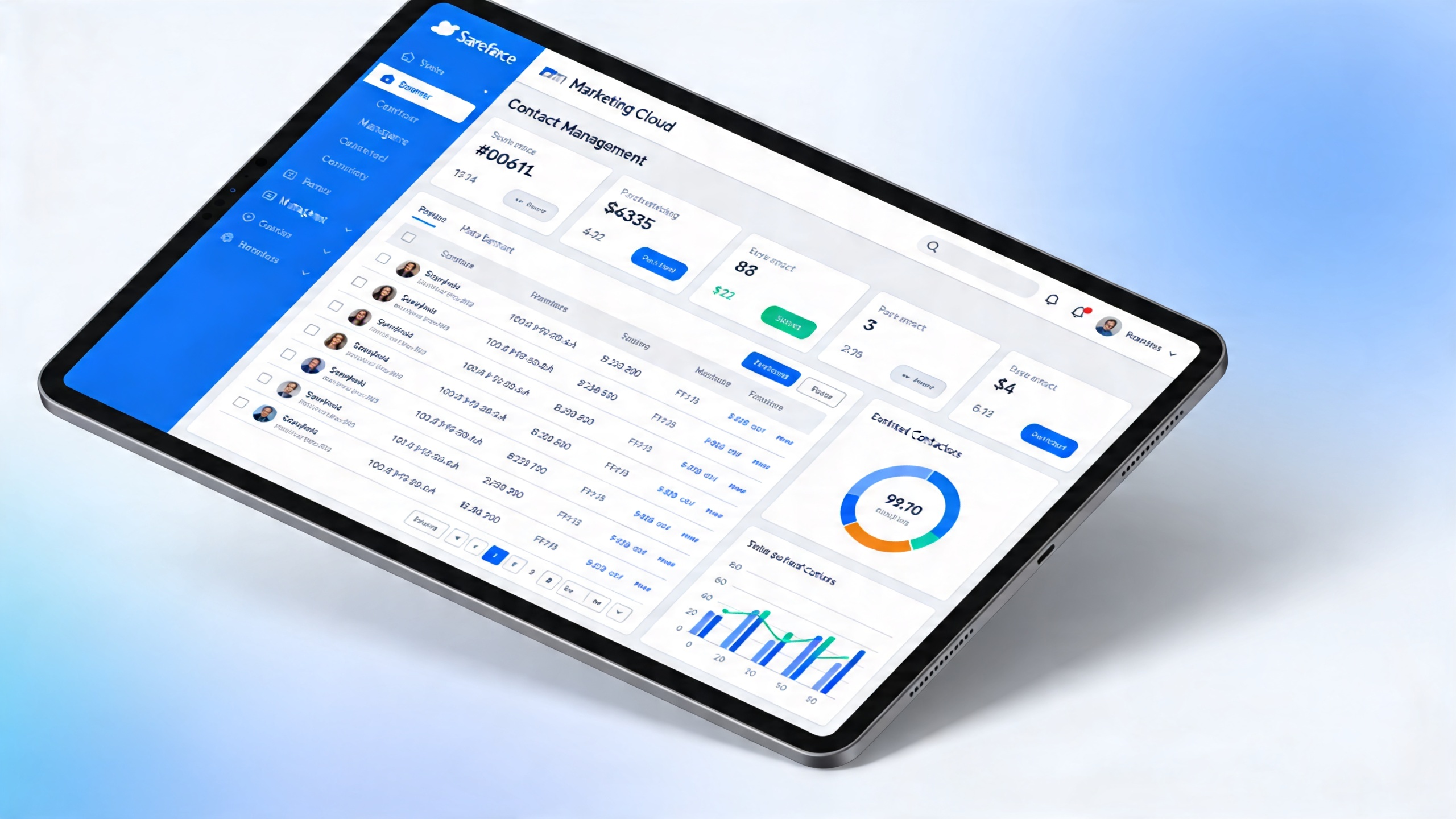
Salesforce Marketing Cloud stands out as a powerful tool for digital marketing, helping businesses send emails, manage social media, and track customer interactions all in one place. It lets teams create personalized campaigns that connect with audiences in real time, turning data into real engagement.
But here's the thing—managing contacts right is key to making those efforts pay off. When you keep your lists clean and organized, you avoid wasting time on outdated info and focus on what matters: building stronger relationships. Poor management can lead to missed connections, especially as your business grows and contact numbers climb.
Exceeding marketing cloud contact limits brings real headaches, like campaigns that get paused or extra fees piling up. Operations slow down too, forcing teams to scramble and rethink strategies on the fly. Businesses often struggle with data overload and keeping everything synced, which eats into efficiency.
Let's look closer at those limits and how they shape your daily work.
Salesforce Stack Exchange on contact limits
Trailhead Community discussion
ActiveCampaign on reaching limits
Figuring out contact limits starts with knowing your setup in the platform. These limits tie directly to your license type, helping you plan campaigns without surprises. For teams dealing with growing customer lists, this clarity cuts down on those frustrating delays in CRM work.
Different license types shape how many contacts you can handle. Internal licenses cover users inside your company, giving access to core features for daily tasks like email sends and data tracking. External ones apply to outside folks, such as partners or clients, often with tighter controls to match usage needs. Permission sets add layers, letting admins tweak access so sales reps focus on active leads without bloating the database. But account type plays in too—pro editions might allow more room for high-volume marketing than starter plans. Usage patterns, like how often you sync data or run automations, can push those boundaries faster if you're not careful.
Factors like your overall account setup and daily habits influence these marketing cloud contact limits. Bigger enterprises with complex processes often hit caps quicker due to heavy integrations or field service data flowing in. If your operations involve lots of customer journeys, unchecked growth from imports or forms can spike the salesforce marketing cloud contacts count unexpectedly. Syncing from Salesforce CRM to Marketing Cloud needs planning to avoid overload, especially when marketing cloud connect contacts pull in fresh leads.
Best practices keep things smooth. Use built-in tools for permissions and roles to control who adds contacts, preventing accidental overages. Regular checks with CRM analytics help spot trends in engagement, so you clean up inactive entries before they pile up. Set alerts for nearing thresholds, and review sync salesforce contacts to marketing cloud routines monthly. This way, you maintain efficiency without the chaos of sudden pauses.
Now, let's talk about steps to stay under those limits day to day.
Salesforce license types overview
Tracking customer metrics guide
Contact roles in Salesforce

Syncing contacts from Salesforce CRM to Marketing Cloud keeps your data flowing smoothly, but doing it right means avoiding extras that push your salesforce marketing cloud contacts over the edge. Teams often struggle with this, especially when field service ops ramp up and customer lists grow fast. The key is smart strategies that prevent duplicates and keep everything tidy.
One big strategy is mapping fields carefully before you sync salesforce contacts to marketing cloud. Misaligned setups, like mismatched email or name fields, create ghost entries that inflate your salesforce marketing cloud contacts count. We've all seen how that leads to wonky automations or reports that don't add up. To dodge this, test small batches first—send over a handful of records and check for overlaps using built-in deduplication rules. If duplicates slip in from forms or imports, tools like contact builder help merge them quickly. This cuts down on errors that could halt your customer journeys mid-way.
Data hygiene matters just as much, since sloppy records breed inaccuracies across systems. Start by cleaning up old or inactive entries in CRM before syncing; automate updates so changes in one spot ripple over without manual fuss. Organized habits, like regular audits, ensure your marketing cloud connect contacts stay fresh and relevant. Thing is, without this, you risk outdated info messing with engagement or even compliance. Businesses that prioritize it see fewer disruptions in their daily workflows.
Salesforce packs handy features for all this, like Marketing Cloud Connect for seamless links and data extensions for targeted pulls. These let you control sync frequency and volumes, fitting within marketing cloud contact limits. Pair them with alerts on usage to stay proactive.
With these habits in place, managing growth gets easier. Next, we'll look at handling overflows when limits creep close.
Common Pitfalls in Marketing Cloud Connect
Salesforce Marketing Cloud Integration Issues
What is Data Synchronization?
Best Practices for Managing Data Synchronization
Best Contact Management Tools
Automation in Salesforce Marketing Cloud takes the hassle out of juggling contacts, letting you handle updates and journeys without constant manual work. It builds on solid syncing habits by adding smart tools that keep your data in check as volumes rise.
Salesforce Marketing Cloud shines with features like Automation Studio, which handles everything from data segmentation to file transfers and even SQL queries for custom pulls. This setup streamlines how you sync salesforce contacts to marketing cloud, pulling only what you need to avoid bloating your lists. You can schedule email campaigns or nurture leads on autopilot, which fits right into your salesforce marketing cloud contact setup. Plus, it integrates with other parts of the platform for seamless flows. I've seen teams use this to cut down on daily tweaks, focusing instead on strategy.
The real win comes from how automation boosts efficiency in customer journeys and contact refreshes. By tackling repetitive tasks, it frees up your crew to deal with trickier interactions, often slashing operational costs in CRM work. Think about it—fewer hours spent chasing updates means smoother runs and less waste. It also helps stay under marketing cloud contact limits by pruning inactive entries automatically, keeping your salesforce marketing cloud contacts count lean. Businesses notice quicker responses and happier customers when these processes hum along without hitches.
Take small outfits who've leaned into this: one case showed a firm cutting lead conversion time by a big chunk through automated nurturing, while another ramped up revenue noticeably by engaging contacts better. These stories prove automation turns chaos into clear wins for growth.
All this sets the stage for dealing with those tight spots when contacts start piling up.

When contacts build up in your Salesforce Marketing Cloud setup, compliance with data protection rules becomes a must to safeguard customer info and avoid headaches down the line. It ties right into keeping your operations smooth, especially as you automate and scale.
Data protection regulations like GDPR set the bar high for how you handle personal details in contact management. These rules demand clear consent before collecting info and give people the right to erase their data if they choose. For teams juggling customer journeys, this means rethinking how you store and use entries—think twice about keeping old leads that could violate privacy standards. I've talked to folks in field service who scrambled to update their processes after realizing GDPR applied to their outreach. Sticking to these guidelines isn't just legal; it builds trust with clients who expect their details handled carefully. Resources like Constant Contact's GDPR overview break it down simply for everyday use.
To keep data privacy tight, start with regular audits of your contact lists to spot any gaps in adherence. Pre-screening before syncing salesforce contacts to marketing cloud helps flag issues early, and automation can alert you to rule changes without constant manual checks. This approach cuts down on errors in your salesforce marketing cloud contact setup, letting you focus on real work instead of fixes. It's practical for businesses facing CRM delays—audit once a month, and you'll catch most problems before they grow. Tools from LinkedIn on contact center compliance offer steps that fit right in.
Non-compliance hits hard, with fines that sting and lawsuits from upset customers adding fuel to the fire. Your reputation takes a dive too, as word spreads about data mishaps, scaring off potential leads and partners. Plus, weak spots open doors to cyber threats, ramping up costs in an already inefficient setup. One slip can derail your whole customer experience push. Details on these risks show up in Magedata's take on non-compliance consequences.
Getting this right paves the way for smarter growth without the worry.
Once you've got compliance locked in, it's time to check how well your contact management is actually working in the Salesforce Marketing Cloud. Evaluating performance helps spot what's driving results and where tweaks can make a real difference for your customer journeys.
Start by looking at key metrics to gauge effectiveness. Things like average call handle time show how quickly your team resolves issues, while first call resolution tracks if problems get fixed right away. Net promoter score gives a sense of how happy customers are overall—these numbers reveal if your strategies are building loyalty or just spinning wheels. For field service teams dealing with scaling pains, tracking these can highlight delays in syncing contacts that slow down outreach. I've seen setups where poor resolution rates pointed to outdated lists eating into efficiency. Check out details on these in Pindrop's guide to contact center metrics or Genesys' list of call center KPIs.
Continuous improvement keeps your processes sharp as business grows. Don't set it and forget it—regular reviews let you refine how you handle contacts, cutting waste from manual syncs or bloated counts. This matters for operations bogged down by inefficiencies; adjusting based on data means less cost and smoother automation. Businesses that loop in feedback often find small changes, like cleaning up inactive entries, boost overall flow.
Tools make this analysis easier with built-in insights for Salesforce Marketing Cloud. Performance analytics platforms integrate to visualize data, helping you compare against benchmarks and tweak in real time. They flag issues in contact limits or setups without guesswork. More on options that work with Marketing Cloud is available at SourceForge's performance marketing tools.
Salesforce's own analytics add another layer for data-driven tweaks here.
With solid evaluation in place, you're ready to explore scaling strategies that fit your limits.
We often hear from teams struggling with scaling their field service operations, and understanding marketing cloud contact limits is key to staying within bounds. These limits are tied to your license type, affecting how many unique contacts you can store and engage across journeys without extra costs kicking in. Our research shows that monitoring these helps avoid disruptions in customer outreach, especially when automating complex processes. For more details, check Salesforce's FAQ on contact counts and management.
How do I sync Salesforce contacts to Marketing Cloud without exceeding limits?
Syncing contacts is a common pain point for businesses dealing with CRM implementation delays, but we recommend starting with clean data to keep things efficient.
What should I do if my Salesforce Marketing Cloud contacts count is too high?
When your contact numbers creep up, it can increase costs and slow down automation for customer journeys—we've seen this trip up many teams.
How can I troubleshoot common issues with marketing cloud connect contacts?
Troubleshooting contact management issues doesn't have to disrupt your day-to-day efficiency, even with complex business processes in play.
Where can businesses get support for Salesforce Marketing Cloud contact setup?
If you're hitting roadblocks with salesforce marketing cloud contact setup, accessing expert help can clarify things fast and optimize your automations.
Staying ahead with salesforce marketing cloud contacts means putting the right strategies in place to handle growth without hitting roadblocks. From auditing duplicates to fine-tuning syncs, these steps keep your operations smooth, especially when scaling field services or automating customer journeys that often feel tangled.
Think about the basics we've covered: regular audits help trim down inactive entries, while clean data flows during sync salesforce contacts to marketing cloud prevent overloads. Best practices like checking permissions and backing up records build a solid foundation, cutting those frustrating delays in CRM setups. Implementing these isn't just about compliance—it's about freeing up your team to focus on what matters, like boosting accountability in complex processes.
And here's the thing. If marketing cloud contact limits are testing your setup, start small by reviewing your current salesforce marketing cloud contacts count today. That one action can reveal quick wins.
Ready to level up? Reach out to a Salesforce expert for tailored advice on optimizing your contact management and streamlining those workflows.
Leave a Reply